How to install OpenNTF XPages SDK
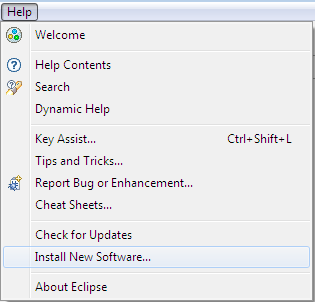
- Step 1. Inside Eclipse select Help -> Install New Software...
- Step 2. Add a new site using the update site url to the Eclipse Update Manager.
e.g. https://p2.openntf.org/repository.nsf/home.xsp/org.openntf.xsp.sdk/release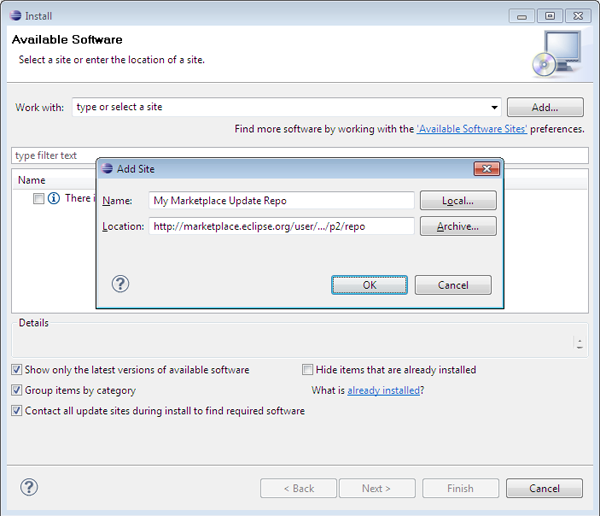
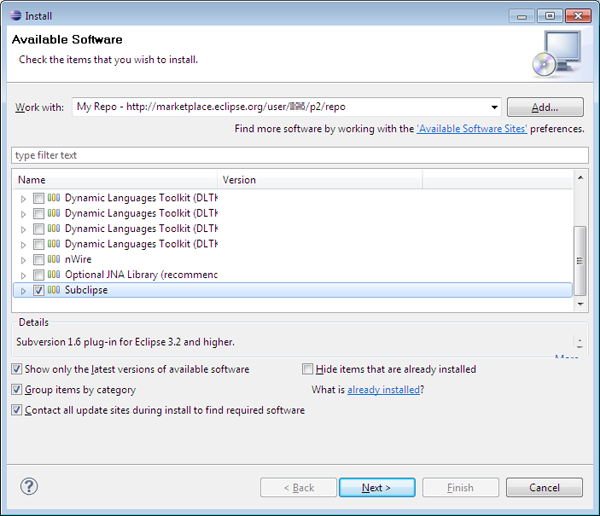
- Step 3. Select the bundles from the list that you would like to install and click Next.